13/10/2026 · Independent learning

Practise with copies of a small group of files. Keep important originals intact.
Try it step by step
- Group folders by subject, then month or lesson.
- Use descriptive filenames with dates.
- Find three documents without relying on the recent-files list.
Prepare for the activity
Begin with one active document group. Copy important files before moving or renaming them. Organise folders around tasks, subjects or terms without excessive nesting. Agree on names with anyone sharing the space.
Examples and adaptations
Use consistent names containing a date, subject and version. Open similar files before deciding they are duplicates. Check recipients and view or edit permissions when sharing. A public link should be a deliberate choice.
Continue and review progress
Try retrieving three documents after organising them. Simplify folders if this remains difficult. Set a brief recurring time to review downloads and drafts. Delete duplicates only after checking the retained version and its backup.
After the activity
Keep a usable backup. Remove duplicates only after checking which version is needed.
Related stories

Three learners, three rotating roles
Give everyone a task so group study does not depend on one person.

Keep a notebook of questions
Turn uncertainty into specific questions for the next learning session.
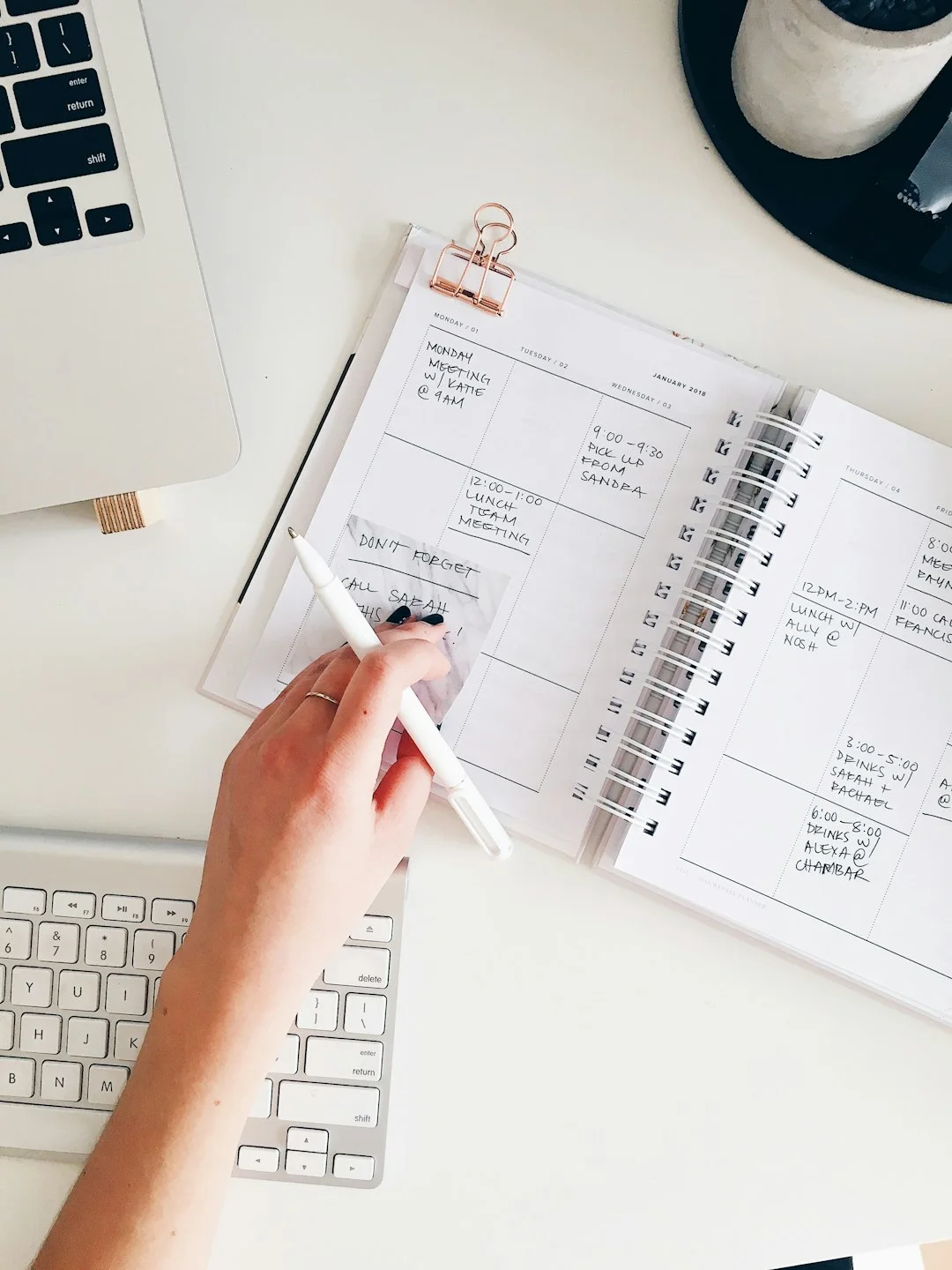
Plan a manageable week of learning
Break learning into small tasks, leave room for rest and review what you understand at the end of the week.